




Early in the morning when I open my computer to check my work, many business owners are shocked to see that their website cannot be accessed. Instead there was a red screen of Google Chrome warning: “The website ahead contains malware”. Or worse, customers text to say that when they click on the product link on the company's website, they are automatically redirected to unfamiliar soccer betting, online gambling, or Japanese websites.
Right after that, a series of problems struck at the same time: Account Google Ads advertising spending millions of dong every day was suddenly suspended for the reason "Malware or compromised website". All keywords on Google rankings that businesses work hard to create Hanoi website SEO service throughout the past year, all rankings were dropped in just 48 hours. That is the emergency situation that the technical team is at Bao Son Media Regularly receive and process for small and medium enterprises in Hanoi as well as nationwide.
Four Signs That Your Website Is Being Attacked by Malware
Malicious code on websites (especially WordPress source code) today no longer appears in a silly way like changing the entire homepage interface to show off achievements. In contrast, modern hackers operate extremely sophisticated and discreet. Their goal is to silently parasitize your system to make money illegally for as long as possible.
Below are the four most obvious signs that businesses need to pay special attention to in order to contact technical rescue promptly:
High danger
When users access from their phone or from Google search results, the website automatically jumps to gambling, betting, or adult content websites.
Google penalizes
Google Safe Browsing detects malicious code and immediately blocks users with a red warning screen. All visits have dropped dramatically.
SEO Spam
Hackers insert thousands of spam articles into the database to usurp the reputation of your domain name, causing Google to index a flood of dirty links.
Resources are exhausted
The website loads very slowly, the hosting package constantly hits the 100% CPU threshold due to malicious scripts taking advantage of the server to mine virtual money or distribute tens of thousands of spam emails.
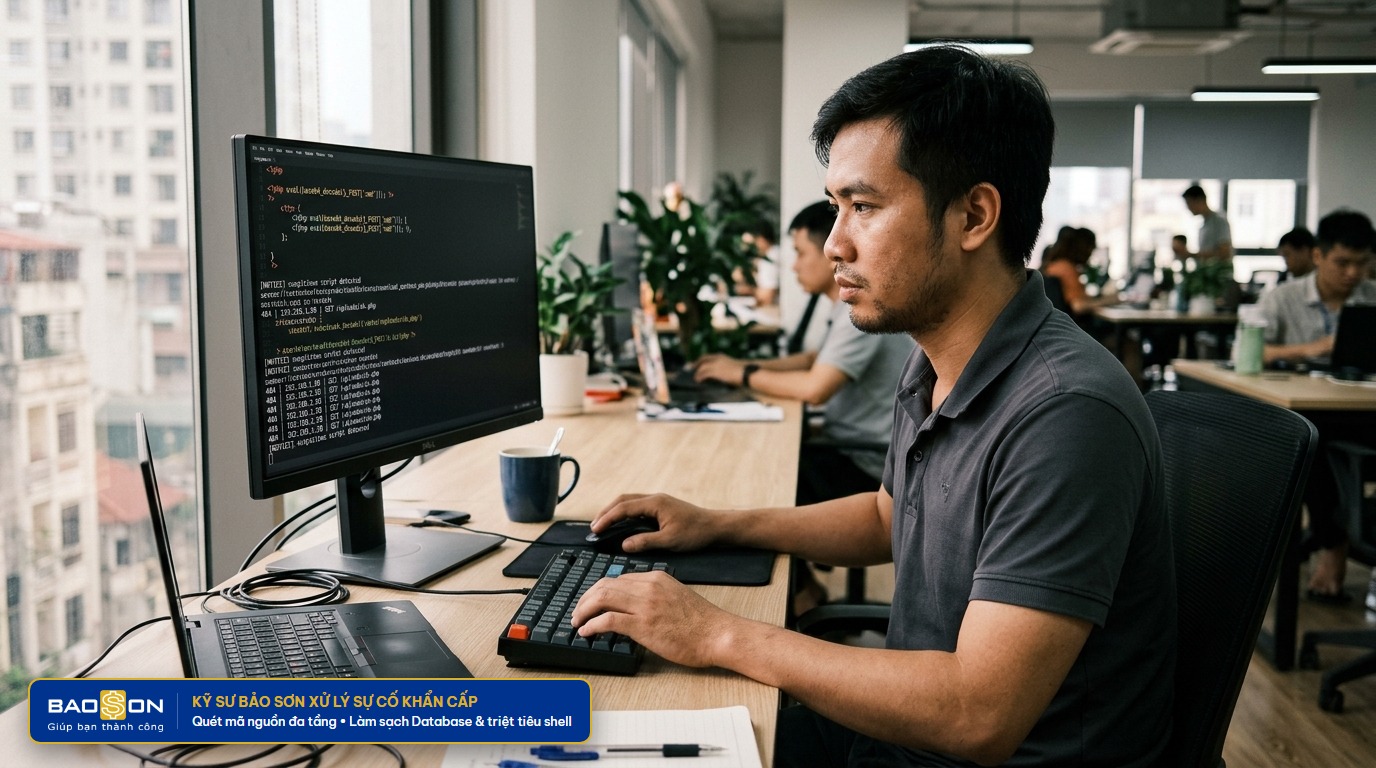
Why Does Self-Treatment or Hiring a Cheap Worker Often Lead to Re-Infection?
In fact, when encountering problems, the first reaction of many administrators is to go online to find instructions on how to remove malicious code or quickly install free source code scanning plugins. Then, when they see a plugin red flag a file, they click to delete that file. Some others hire students or floating services for several hundred thousand dong on social networks.
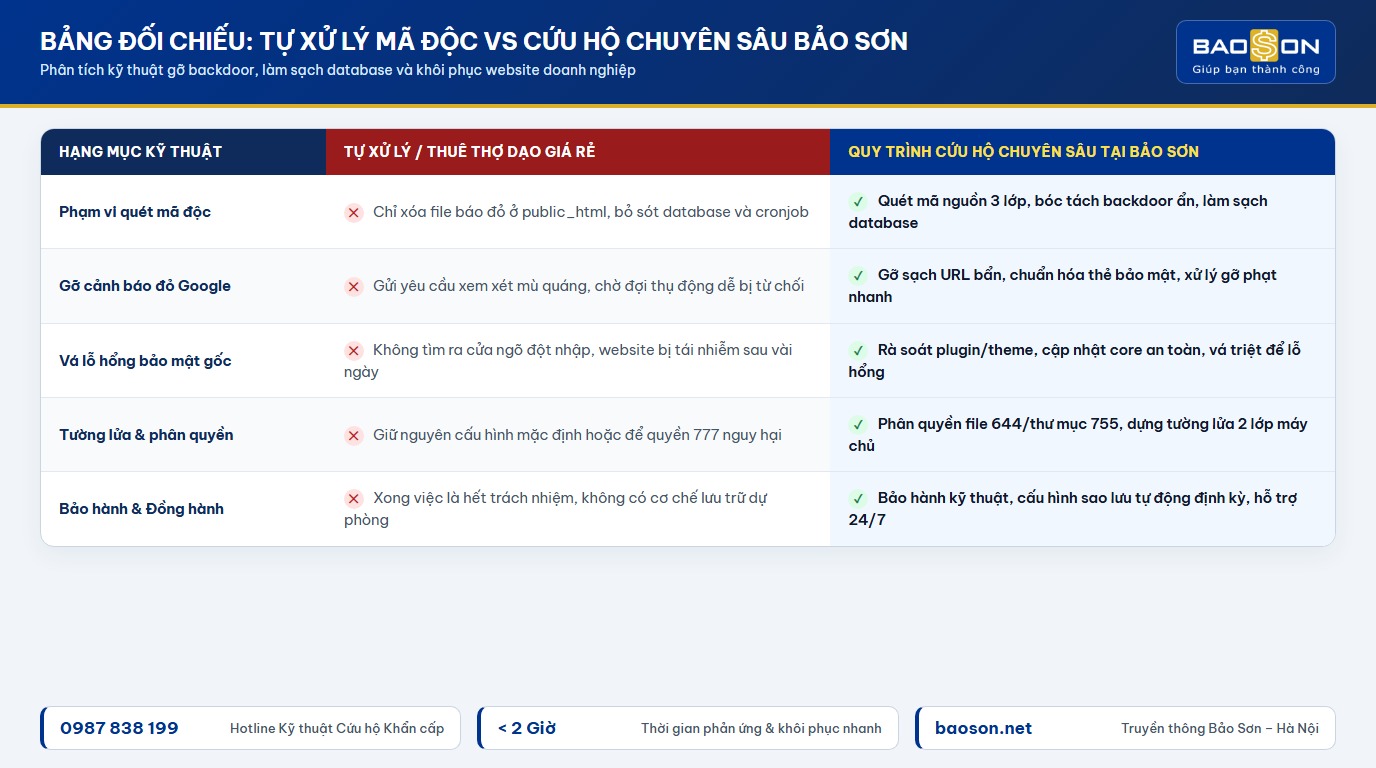
What are the usual results seen after 2 to 3 days? The website was redirected again, the red warning appeared again, even worse than before. Why is that?
Because website malware never exists alone in one file. When successfully penetrating, hackers always plant at least 3 to 5 secret "backdoors" in different locations:
- Implant executable code into the database: The malicious code directly inserts base64 encoding scripts into the table
wp_options(at schoolactive_pluginsorsiteurl) and tablewp_posts. Even if you delete all source code files, the database will still automatically reactivate the malicious code. - Create an automatic task (Cronjob): Hackers periodically create cronjobs on the server or interfere with files
wp-cron.php. Every night at exactly 12:00 p.m., this task will automatically download malicious shell files from the control server abroad and overwrite the upload folder. - Sophisticated camouflage in the system directory: Malicious files are often named exactly like the original WordPress file such as
wp-vcd.php,class-wp-cache.phpor lurking insidewp-includes/css/, making it easy for conventional automated scanning tools to miss. - The original hole has not been sealed: The gateway through which hackers break in (usually an outdated plugin, pirated cracked theme, or an admin account with a leaked password) remains intact. Hackers can come back any time they want.
In-depth Five-Step Malware Infected Website Rescue Process at Bao Son
To completely resolve the problem and ensure the website is never re-infected, the team of engineers at Bao Son Media Applying a strict 5-step in-depth processing process, combining automatic review and manual inspection of each line of source code:
Step One: Back Up As Is & Quarantine
Before performing any editing operations, Bao Son engineers always create a backup of the entire source code and current database (Snapshot Backup). This ensures customer data safety. Immediately after that, the website was switched to safe maintenance mode to prevent further malicious code from spreading.
Step Two: Backdoor Extraction & Deep Scan of Entire Source Code
Use a specialized tool to compare checksums with the official WordPress repository to replace all corrupted core files. Engineers directly scan each sensitive folder (wp-content/uploads, wp-includes), remove the entire executable file .php Illegal and exploits dangerous eval and base64 command lines.
Step Three: Clean Up Database & Remove Dirty SEO Spam Links
Review all tables in the database, especially the user table (remove fake admin accounts created by hackers). Remove thousands of secretly inserted spam articles in Japanese and Chinese and clean custom data fields infected with redirect code.
Step Four: Patch Root Security Vulnerabilities & Build a Protective Firewall
Identify exactly the security holes that hackers have exploited to break in, update or replace secure plugins. Set standard file permissions (644 for files, 755 for folders), block PHP file execution rights in the upload folder and build a firewall against Brute Force password sniffing.
Step Five: Appeal to Remove Google Warning & Handover Operations
After the website is completely clean, Bao Son prepares a technical explanation and sends a review request to Google Search Console to remove the red warning. Support customers in submitting requests to reopen Google Ads accounts and hand over the automatic periodic backup system.
For businesses who want the peace of mind to focus on business without having to worry about daily technical problems, using Website maintenance and repair services Periodic is an economic and highly safe solution. You can also combine the same service Comprehensive website content management to both ensure the website runs smoothly and have new SEO-standard articles regularly every week.
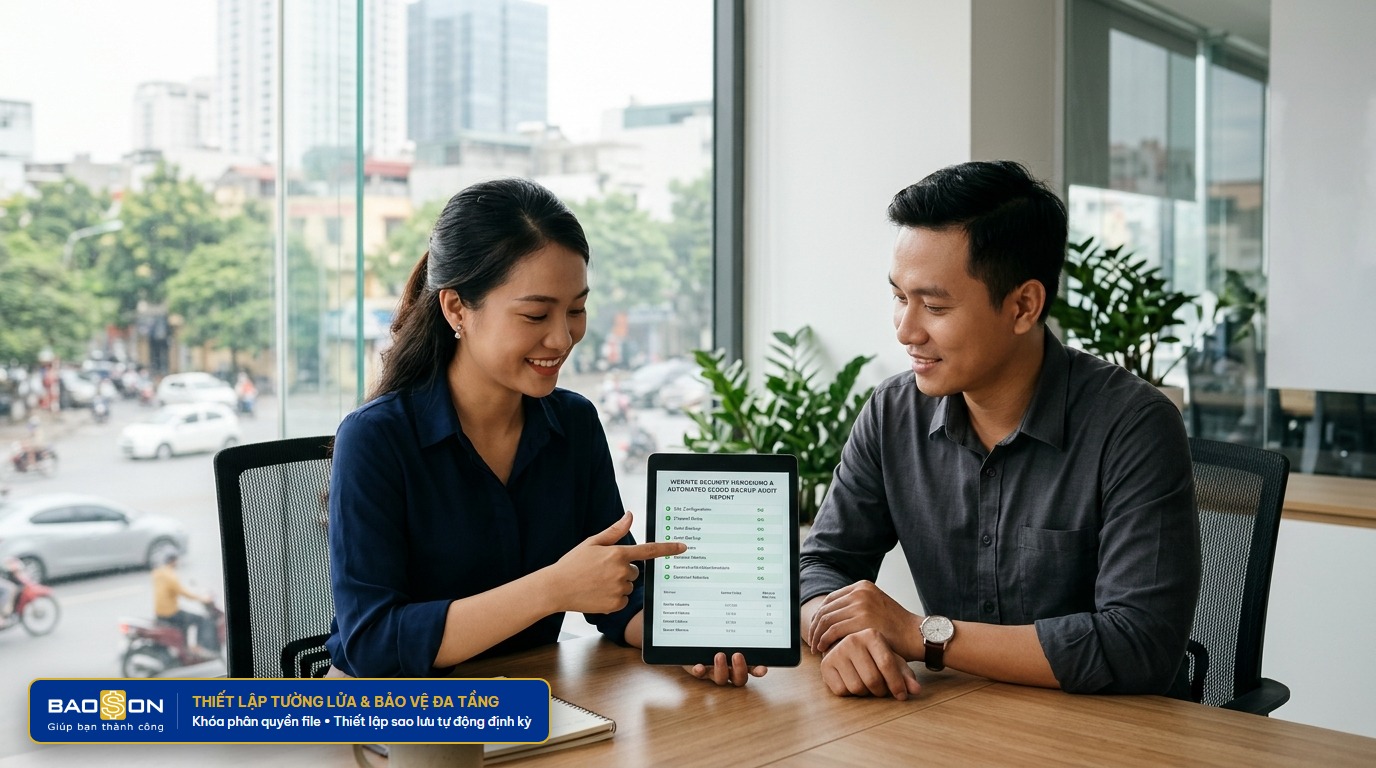

Bao Son experts support one-on-one evaluation of UX/UI interface, security, page loading speed and send a quote for the optimal solution for businesses.
Important Notes to Help Businesses Prevent Malware Effectively
Prevention is always better and more cost-effective than treatment. After more than ten years of directly providing technical support to hundreds of businesses in Vietnam, experts at Bao Son have concluded a number of basic but highly effective security principles:
- Absolutely do not use pirated themes and shared plugins (Null): This is a widely popular source of malware infection. More than 90% of paid plugins shared "for free" online have been pre-installed by bad guys with backdoors to take control of your website when needed.
- Choose a reputable hosting service provider: An infrastructure NVMe hosting service High quality features feature isolating resources between accounts to completely prevent cross-infection between websites on the same server.
- Update WordPress versions and plugins regularly: When developers discover vulnerabilities, they release patches immediately. Delaying updates for many months will turn your website into "easy prey" for automatic vulnerability scanning tools.
- Change login path and two-layer security (2FA) settings: Avoid using the default login name
adminand simple password. Change your admin path to a separate address and enable two-step phone authentication. - Configure automatic data backup to independent cloud: Always make sure you have at least one backup stored completely separate from the server containing the website so you can restore in any worst-case scenario.
If your company's website has just been redesigned or needs a comprehensive structural upgrade to both ensure good security and optimize customer conversion, you can refer to additional solutions. SEO standard website design modernity at Bao Son to build a solid foundation right from the beginning.